
The home phone guide
Setting up a home VoIP phone: what to check before you switch
A home VoIP service lets you make telephone calls using an internet connection. A little preparation helps you choose the right equipment, understand the costs and keep the household confident about using its phone.
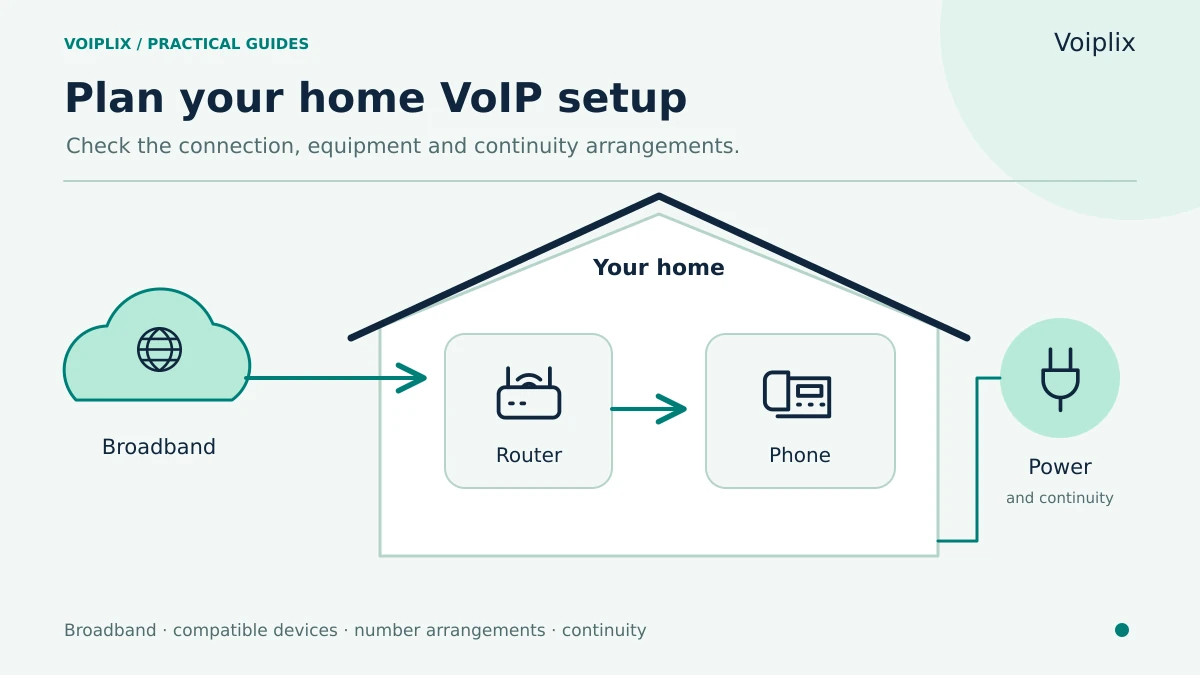
Start with how your household uses the phone
List the numbers and destinations you call regularly, whether you mainly receive calls and which rooms need a handset. Include anyone who will use the phone, not just the person arranging the service. Large buttons, a clear display, familiar controls or several cordless handsets may matter more than an extensive feature list.
Bring a recent bill to the discussion so the provider can understand your calling pattern. Compare the proposed service with what you actually use. A package with a large allowance is not automatically better value if it excludes the destinations you call or includes features you do not need.
Confirm the equipment before ordering
Ask the provider for the exact equipment arrangement it supports. Depending on the service, this could involve a compatible internet phone, a suitable adaptor or a router with a telephone connection. Do not buy a handset or adaptor based only on a general claim that it works with VoIP.
Check where the equipment will sit, whether the required cables are included and whether there is a nearby power socket. If you want to use existing extension wiring, ask for specific installation advice. Agree who configures the equipment and what help is available if it needs to be reset or replaced.
Give the internet connection a realistic check
Tell the provider which broadband service and router you use, and whether the household sometimes experiences interruptions. Think about where you make calls and what else is normally running, including streaming, video meetings and games. Assess the proposed phone setup in those ordinary conditions.
Where a supported wired connection is practical, it gives you one fewer wireless link to troubleshoot. If the chosen equipment uses Wi-Fi, try it in its intended position. Check incoming and outgoing calls, listen at both ends and make sure the person receiving the call can hear you clearly.
Discuss power cuts and connected devices first
Digital landlines rely on powered equipment. Ofcom advises households that depend on their landline to discuss a suitable emergency-calling backup with their provider before changing, especially where mobile service is unavailable or unreliable.
Tell both the phone provider and the device supplier about any care alarm, health pendant or security system connected to the line. Compatibility and support arrangements should be confirmed before migration. If someone needs extra help using or installing the service, raise that at the start of the order.
Arrange your number and check any bundle
Tell the new provider if you want to retain your existing number, then follow the agreed switching instructions. If your telephone and broadband are part of one package, ask what happens to the remaining services before requesting the move. Ofcom notes that moving a landline number can affect associated broadband arrangements.
Keep a record of your current account details, the requested number and the agreed changeover date. Ask whom to contact if calls still reach the old service or the new equipment does not ring. Make sure other household members know when the change is due and where the phone will be connected.
Check the first bill and keep the setup simple
Ask for a complete price covering recurring service, equipment, installation, number transfer and calls outside any allowance. Check contract length, cancellation arrangements and whether taxes are included in the price you are comparing. Keep the written quotation with your order confirmation.
Once the phone is working, save the support details somewhere the household can find without using the phone service itself. Explain voicemail and any changed dialling steps to everyone who needs them. Review the first bill against the quotation and ask about unfamiliar charges while the order details are still fresh.
Your questions, answered
A few common questions.
Practical answers before you take the next step.
Can I use my existing home phone?
Possibly, but the answer depends on the handset and the provider's supported equipment. Give the provider the exact model and confirm whether an adaptor or replacement is needed before buying anything.
Will a VoIP landline work in a power cut?
Powered equipment needs an appropriate backup arrangement. Tell the provider if you rely on your landline, and agree how you will contact emergency services during an outage before switching.
Does home VoIP have to include a new broadband contract?
Ask how the proposed phone service is supplied and whether it can use your existing connection. Also check the effect of moving the phone number on your current broadband bundle.
Explore the next step
Keep the useful connections going.
Start with a conversation
Turn the reading into a useful next step.
Tell us about your offices, agents, traffic and existing systems. We’ll help scope the calling service, devices and integrations around your business.